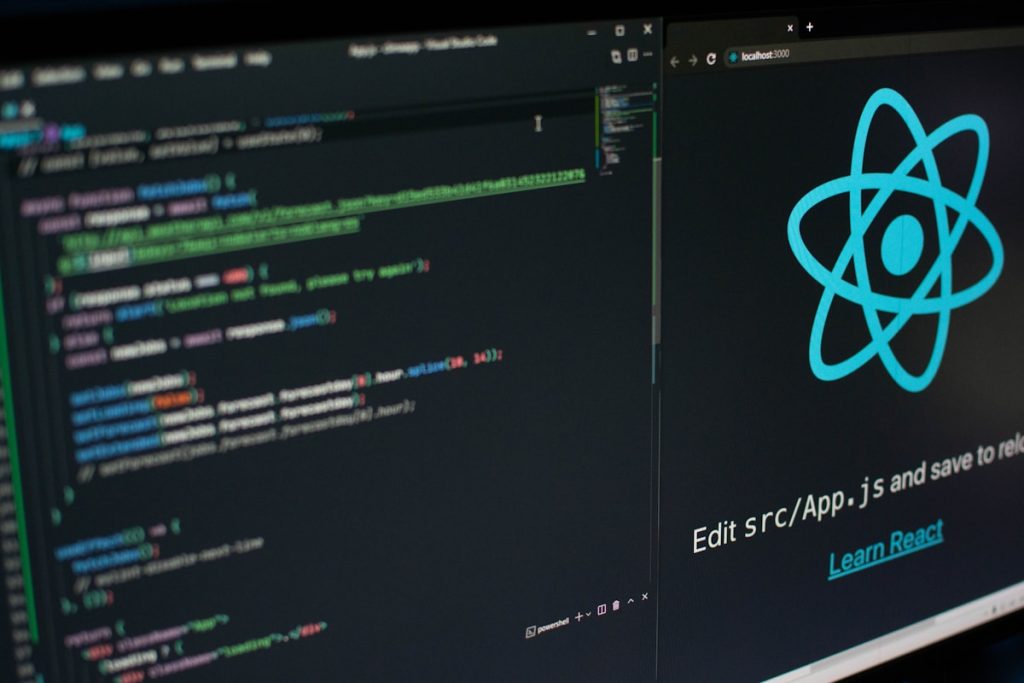
AI Coding Assistants Compared: GitHub Copilot vs Alternatives
Compare GitHub Copilot with alternatives like Cursor, CodeWhisperer, Tabnine, and Cody. Find the best AI coding assistant for your development needs.

Compare GitHub Copilot with alternatives like Cursor, CodeWhisperer, Tabnine, and Cody. Find the best AI coding assistant for your development needs.
Discover the best free AI tools in 2026. From ChatGPT to Canva, find powerful AI for writing, images, video, and audio without spending money.
Discover the best AI tools for social media marketing. Learn strategies for content creation, scheduling, and analytics to grow your social presence.
Master ChatGPT plugins with this ultimate guide. Learn how to extend ChatGPT capabilities with the best plugins for productivity, research, and more.
Discover the top 10 AI tools for content creation in 2026. From ChatGPT to Midjourney, find the perfect tools for text, images, video, and audio.
Learn how to use ChatGPT for business success. This practical guide covers customer service automation, content marketing, data analysis, and more.
DALL-E 3 represents a significant leap in AI image generation, bringing OpenAI’s advanced technology directly into ChatGPT. Unlike standalone tools requiring separate logins, DALL-E 3 integrates seamlessly with the ChatGPT interface you may already use daily. This comprehensive review examines its capabilities, limitations, and how it compares to competing platforms. What is DALL-E 3?
Creating a professional logo traditionally costs hundreds to thousands of dollars and requires hiring a designer. AI logo generators now make professional branding accessible to startups, entrepreneurs, and small businesses with minimal investment. This comprehensive review explores eight leading AI logo tools that deliver professional results instantly. The Logo Design Revolution Professional logos
Prompt engineering is the art and science of crafting text descriptions that yield exceptional AI-generated images. Midjourney’s power lies not just in its technology but in your ability to communicate precisely what you envision. This comprehensive guide presents 50 battle-tested prompt templates that advanced users have perfected for stunning, consistent results. Understanding Prompt Engineering
) –W (width): Image width in pixels (512, 768, 1024) –scale: Guidance scale (how closely to follow prompt) – 7: Creative interpretation – 15: Moderate adherence – 20: Strict prompt following –steps: Number of processing steps (20-50 typical) – More steps = better quality but slower –seed: Reproducible results with same seed Example Command: